Junglebee
Wix vs WordPress for Tour and Charter Operators
Wix vs WordPress for a small tour or charter business: real monthly costs, who maintains it, mobile speed, booking widgets and what breaks in season.
 Michael RouveureFounder, Junglebee ·
- Pick Wix if nobody on your team is technical. Pick WordPress only if someone is paid to maintain it or you publish lots of content.
- WordPress itself is free, but hosting, upkeep and any paid plugins aren't. Compare the full cost after intro hosting rates end.
- If your checkout runs on an outside booking system, you may not need Wix Core, which starts at $29 a month billed yearly in the US.
When I was running SXM Deals, every booking that came through my website turned into an email. I'd forward it to the tour operator with "Hey, can you confirm for me please?" and wait. Some answered fast. Others took forever, and I understood why. A lot of these operations are a one-man show. The owner runs the boat, comes back, cleans the boat, eats, and by then he's going to bed.
I think about those owners whenever someone asks me the Wix vs WordPress question. The real question is who looks after the website at 9pm after a full day on the water. For most small operators, the answer is nobody.
My position, up front: WordPress is free like a puppy. The software costs nothing, and then it needs feeding every week for as long as you own it.
Wix vs WordPress: what you really pay each month
Wix is one bill. On US pricing as of late October 2026, billed yearly, Light is $17 a month, Core is $29 and Business is $39. Light lacks Wix's own payments and scheduling; an external booking checkout may not need Core. Paying month to month costs more, and Wix sets prices by country, so the number you see from Antigua or Aruba may not match mine. Hosting and security come with the plan.
WordPress.org is a pile of small bills. Shared hosting starts from roughly $3 a month, but only on a long prepaid term, and it renews at several times that. WP Engine's managed hosting starts at $28 a month billed annually, with WordPress updates, backups and caching; cheaper managed plans exist elsewhere. Then add any paid themes, plugins or setup help you choose; free tools exist.
Once the intro price runs out, compare the full WordPress bill with Wix, including maintenance. The costs can arrive as several charges instead of one.
WordPress is free like a puppy
On Wix, Wix looks after the servers and the security patches. You maintain the words and the photos. That's the whole job.
On self-hosted WordPress, all of it is yours. WordPress itself updates. Your theme updates. Every plugin updates on its own schedule, and some of them don't get along. One possible failure is a plugin update clashing with another plugin and breaking your trip page.
The pattern I'd plan for is simple. Someone builds the site nicely, then moves on, and nobody logs in again until something breaks. Remember the owner cleaning the boat at night? He's not updating plugins.

Speed on a phone with two bars of island data
Your guests are looking at your trips on a phone, often on hotel wifi or roaming data from the beach.
Wix manages the hosting and enables caching automatically on most pages, with manual caching controls available. WordPress can be the fastest site on the island or the slowest. A good host with caching and a light theme flies. A cheap shared plan carrying a heavy page builder and thirty plugins is painful on mobile.
On both platforms, heavy page content can slow loading. A full-screen drone video on the homepage looks great in the office and crawls at the dock. Test your site on your own phone, on mobile data, standing on the dock. Not on the office wifi.
SEO control and where the booking widget goes
Wix covers the SEO basics well: page titles, descriptions and alt text. WordPress gives you full control of the code and plugins like Yoast. That extra control matters if you plan to publish a lot, say a page for every beach and every island you visit, or if you already have a WordPress site that ranks. For a two-boat operation, good trip pages and reviews beat extra settings.
The booking widget is where the two really differ.
- On Wix, you paste your booking code into an Embed HTML element, which runs it inside a sandboxed iframe. In Wix Editor, that element can't go in the header or footer. Size both the iframe and its container for mobile, then test the full checkout for cropping.
- On WordPress, you can use a Custom HTML block if your account permits the embed's scripts or iframes, or use your provider's plugin if available. A plugin feels more built-in, but it's one more puppy to feed.
I lean toward embeds on both. A separately hosted booking engine can keep running during website trouble, though guests may need its direct booking link. That's how we set up the Junglebee booking system for charters: the widget sits on your page and the booking itself runs on our servers.
What breaks when the cruise ships are in
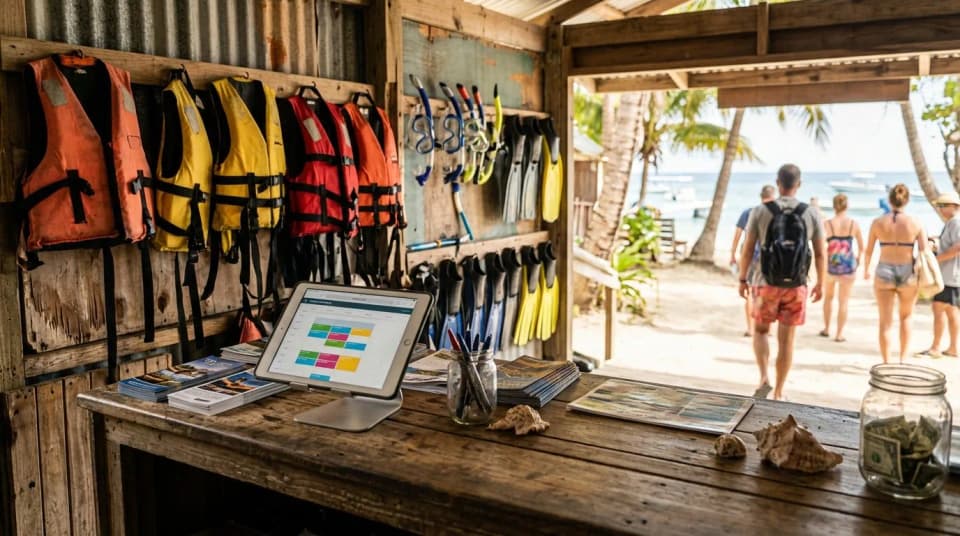
High season, and especially a cruise ship day, is when a website problem costs real money and you have the least time to fix it.
On WordPress, one risk is an update conflict during your busiest week. The other one is a cheap shared host that bogs down when traffic jumps, right when guests are booking.
Wix handles more of the technical maintenance for you. But when an embed misbehaves, you have less you can do about it, and Wix says its support team can't help with outside code it didn't create or test. You're back on the phone with your booking provider.
My rule on either platform: do redesigns in the slow months, September and October. Then freeze the design before the Christmas Winds arrive, but keep security updates tested throughout the season.
Which one I'd pick for a small boat operation
If you run one or two boats, you'll edit the site yourself and nobody on your team is technical, pick Wix. Use Core for Wix's own payments and scheduling; check your external booking provider's requirements and keep the pages light.
Pick WordPress if you already pay someone every month to look after it, if you plan to publish a lot of content, or if you have an older WordPress site that already brings in Google traffic. Moving a site that ranks is a cost too.
And whichever you choose, remember those operators I used to email from SXM Deals. They didn't need a prettier website. They needed bookings that confirmed themselves while they were out on the water. That's the part we built Junglebee for, and it can sit inside a compatible website.
Booking page, card payments, one calendar for your website, booking page and desk. 4% per card payment, no monthly fee.