Junglebee
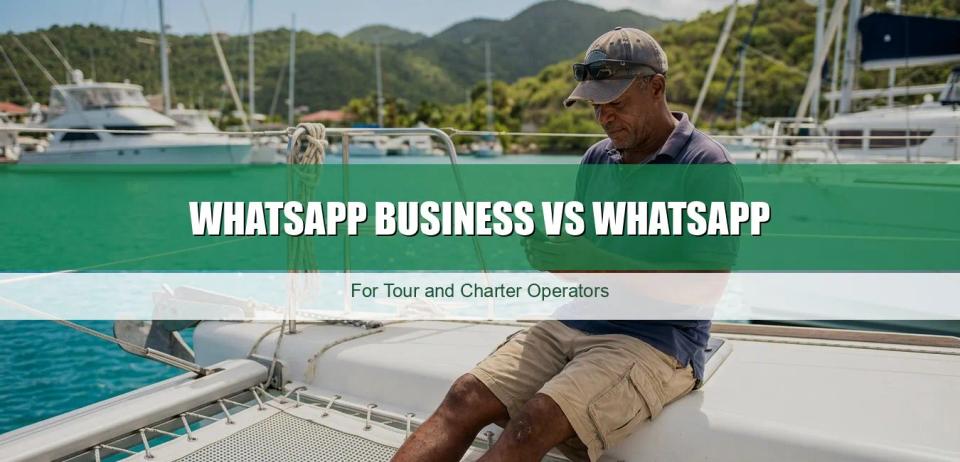
WhatsApp Business vs WhatsApp for Tour Operators
WhatsApp Business vs WhatsApp for tour and charter operators: what the free app adds, how to switch, and why bookings don't belong in chats.
 Michael RouveureFounder, Junglebee ·
- Use the free WhatsApp Business app on its own number. Set up away messages, quick replies and a profile with your hours.
- Back up before switching an existing number. Save WhatsApp-only contacts to your phone first. The two apps need different numbers to run side by side.
- Use WhatsApp to answer guests. Keep confirmations, payments and live availability in your booking system, not in a chat.
WhatsApp Business vs WhatsApp is the easy decision. The harder one is what you let WhatsApp do for you, and the biggest mistake I see is letting it become your booking system.
WhatsApp is great for talking. Answering a guest, getting hold of a hotel desk, fine. But a chat thread is a terrible place to keep track of who paid and who is still waiting on you to confirm. So yes, switch to the Business app. Just don't expect it to run your day for you.
WhatsApp Business vs WhatsApp: what the free app adds
The WhatsApp Business app is free to download on Android and iPhone, and it is built to feel and work just like regular WhatsApp. On top of the normal chat you get tools for running a business.
- Business profile. Your address, hours, email, website and a short description on your profile.
- Catalog. Show your tours and charters in a catalog guests can open from the chat.
- Greeting and away messages. Set a greeting for first messages or messages after 14 quiet days. Away replies can run always, on a custom schedule, or outside the hours on your profile. Your device needs internet for either to send.
- Quick replies. Saved messages you pull up by typing "/". You can store up to 50. They can include photos or videos, but not on Web or Desktop.
- Labels. Colored tags you put on chats so you can filter them. WhatsApp is gradually turning labels into "lists", so yours might look slightly different.
- Short link and QR code. A link guests can use to start a chat with you, plus a QR code you can print. You can give the link a pre-filled message.
Link WhatsApp Web on the office computer and the office can answer guests on the same account you use at the dock. I'd switch for the business profile and auto-replies, not for linked devices.
One number, one app, and the switch
The rule that trips people up: one phone number can't be on both apps at the same time. You can run WhatsApp and WhatsApp Business side by side on one phone, but each needs its own number.
If your business runs on your personal WhatsApp, you can move the account, chat history and media to the Business app. Make a backup first. Contacts saved only inside WhatsApp (not in your phone's address book) can get lost in the move, so save them to your phone contacts first. You can switch back later, but your catalog and other Business-only data won't come with you.
My advice is to get a separate number for the business if you can. Your guests don't need your family group chat, and your family doesn't need to see every guest asking if the boat still goes.

Setting it up for a boat day
I came up as a deckhand and then a captain at Eagle Tours, so I know your phone is the last thing you're watching once the boat is moving. The features only help if they match how your day actually runs.
- Away message for when you're on the water. Use a custom schedule that matches your trip times, and tell people when you'll be back at the dock. Test it on a real run.
- Quick replies for the questions you answer every day. Meeting point with a photo of the dock (set that one up on the phone), what to bring, what happens on a weather day, how the balance gets paid.
- Labels that match your money. Something like "Deposit paid", "Balance due" and "Agent booking". Too many labels and nobody uses them.
- QR code at the desk and on the boat. Guests who want to book again reach the business number, not your personal one.
When the Business Platform is worth it
People mix up a third option with the app. The WhatsApp Business Platform (the API) is aimed at medium and large businesses. It is not an app you download. WhatsApp describes it as a way to provide customer support and send important notifications, and it connects WhatsApp to other software so those messages can go out automatically.
Meta charges for many delivered messages, based on the message type and the guest's country calling code. Each business number gets 1,000 free service replies a month. Some chats also qualify for a separate free window. For a one or two boat operation the free app is plenty. The Platform starts to make sense when you have a team answering the same number and enough volume that typing every reminder by hand is eating your evenings.

Chats are not a booking system
It's easy to end up running a whole season out of WhatsApp threads. A deposit screenshot in one chat, an agent's booking buried in another. It works until a busy day.
Back when I was running SXM Deals, some guests wanted to make a huge booking. A significant amount of money. I didn't want to take the booking or their money until the tour operator confirmed. It took the operator something like two days to get back to me. I should have had an answer in two minutes. Not two days. I lost a lot of money on that one.
I don't blame operators for this. A lot of these businesses are a one-man show. You run the boat, come back, clean the boat, eat, and by then you're going to bed. The problem was that I couldn't give the guests a yes until the operator got back to me. That was probably the trigger point for building Junglebee.
So use WhatsApp for what it's good at, like answering a guest who wants to know where to meet. Keep confirmations and payments somewhere you can see at a glance, where availability is live and a guest or agent doesn't need to wait for you to get off the water. We built our charter booking system so tickets go out by email and balance requests go out with a pay link, without anyone typing them.
The two-minute rule
The rule is short. If a guest or an agent asks "can I book this?", they should have an answer in two minutes, whether or not you're holding your phone. Quick replies save you typing. They don't check whether the boat's full. That answer should come from your calendar, not your memory of a chat.
Switch to the Business app this week, on its own number. Then take your bookings out of the chats.
Booking page, card payments, one calendar for your website, booking page and desk. 4% per card payment, no monthly fee.