

April 21, 2026

Most operators I talk to don't have a booking problem. They have a finishing problem.
They've thought about online booking for six months. Looked at four software options. Built a comparison spreadsheet. And guests are still DMing them on Instagram to ask if Saturday has space.
The operators who launch in a weekend keep going. The ones who plan for a month don't ship. What you need in week one is simple: a way to show what you're selling, a calendar that reflects reality, a way to take a deposit, and a confirmation that tells the guest where to show up. Booking captured, deposit collected, guest confirmed. Here's how.
Back when I was running SXM Deals, loading tour operators onto their first booking system, the messiest part was never the software. It was the operators who hadn't decided what they were selling. One company had four versions of a snorkel trip that differed by 30 minutes and a sandwich. Guests couldn't tell them apart. Nobody booked.
Before you open a settings panel, clean up what you're selling:
Gut-check: if a guest has to ask "so what exactly do I book?" - fix the offer first. The software won't fix it for you.
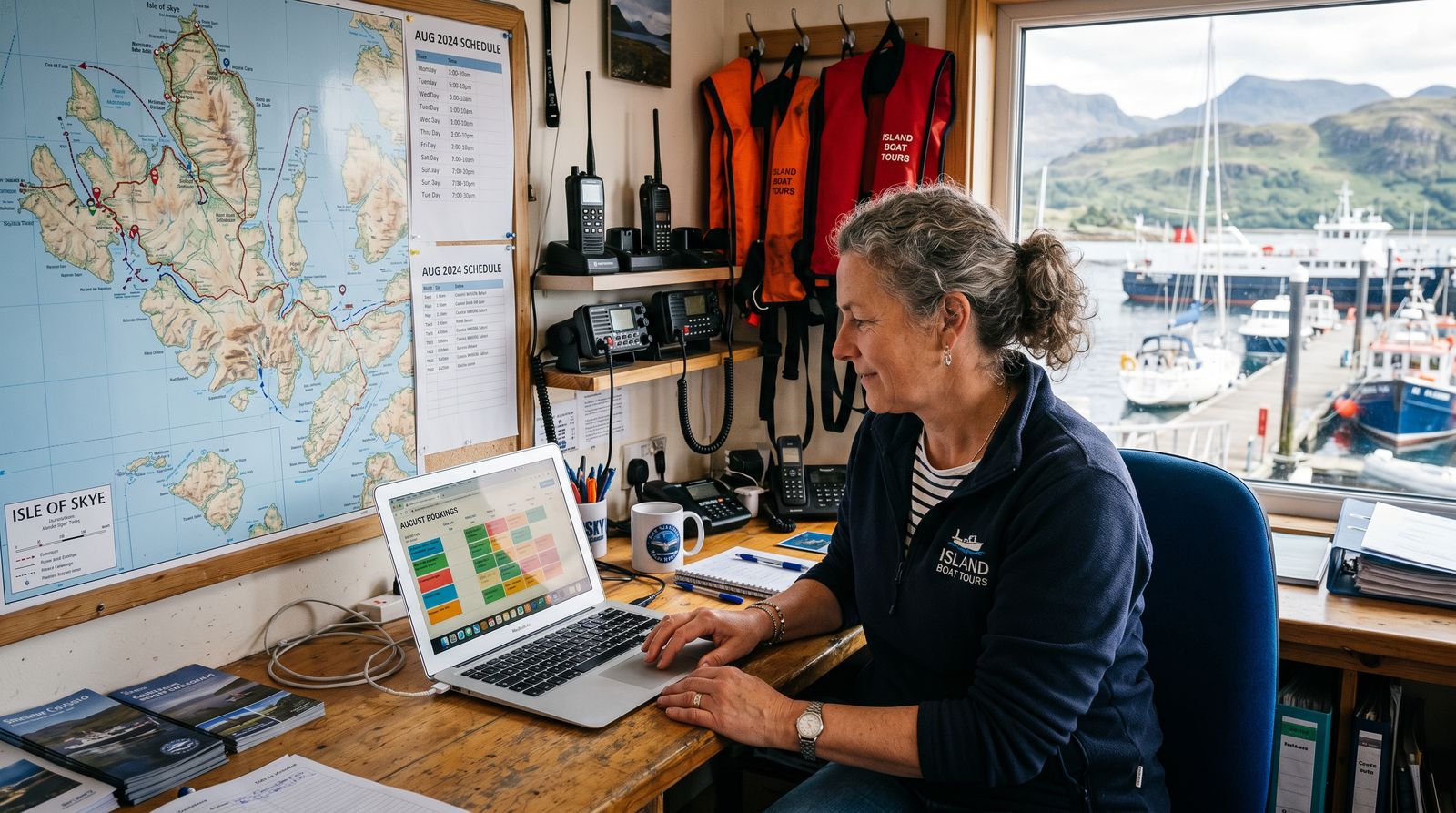
A calendar that shows you as available when you're not is worse than no calendar. I've seen operators double-book on a cruise ship day because their online availability didn't account for a hotel activity desk booking they'd confirmed by phone. Both parties in the parking lot. Not a good morning.
Set availability based on rules you can explain to your crew:
For shared tours, capacity drops automatically as seats sell. For private charters, the slot closes the moment one booking comes in. Either way, be a little more conservative than your optimism. You can open last-minute spots manually. You can't un-double-book a boat.
Week one goal for payments: capture the booking, take a deposit, keep card data off your server. A hosted checkout - where the guest enters card details on the payment processor's page, not yours - means card data never touches your systems. That's the lightest PCI compliance path (SAQ A), and it's how most good booking software works by default. You just need to pick software that does it.
What to charge depends on your operation:
For Caribbean operators: if your booking software routes payments through Stripe into an overseas bank account that you wire home, fix that before you scale it. It's dodgy, I'll be honest, and completely unnecessary. We built JB Pay so operators on Junglebee take card payments that land directly in their local bank, in the right currency. No offshore juggling.
Your confirmation email is not a receipt. It's the part of the experience that happens before the guest leaves their hotel room. If they show up late, confused, or at the wrong marina, that email failed them.
A good confirmation answers every question before the guest thinks to ask it:
The goal is fewer inbound messages. Every "where do I park?" text is a confirmation email that failed.
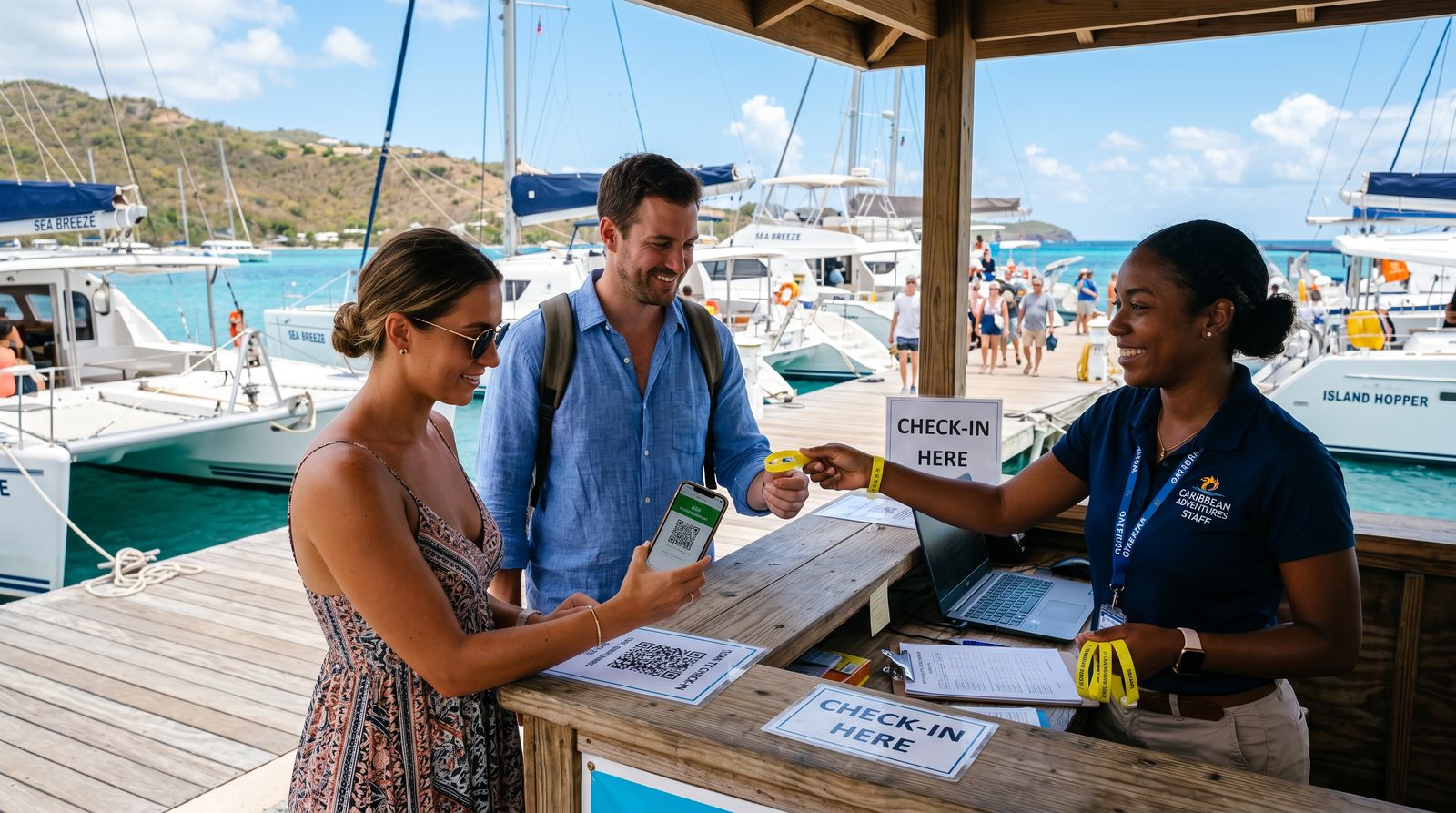
No-shows are almost never malicious - they're forgetfulness plus poor instructions. A reminder sequence fixes both, and you only set it up once.
If you do nothing else from this article, set up the day-of message. It does more for on-time arrivals than anything else in this list.
Before you announce anything, book your own tour from your phone as if you'd never heard of yourself. Looking for friction, not perfection.
If you want a booking system built for charters and tour operators that handles deposits, waivers, and crew logistics without becoming a project: junglebee.com/pricing.
Your first week will tell you more than six months of planning ever could. Pick one thing to improve per week: better meeting-point photo, tighter deposit rule, smarter confirmation copy. One thing. Keep going.
The operators who build real businesses don't wait until everything is perfect. They launch with an offer, a calendar, a deposit, and a confirmation that isn't embarrassing. That's enough. The rest comes from running actual bookings, not planning to run them.


