

April 20, 2026
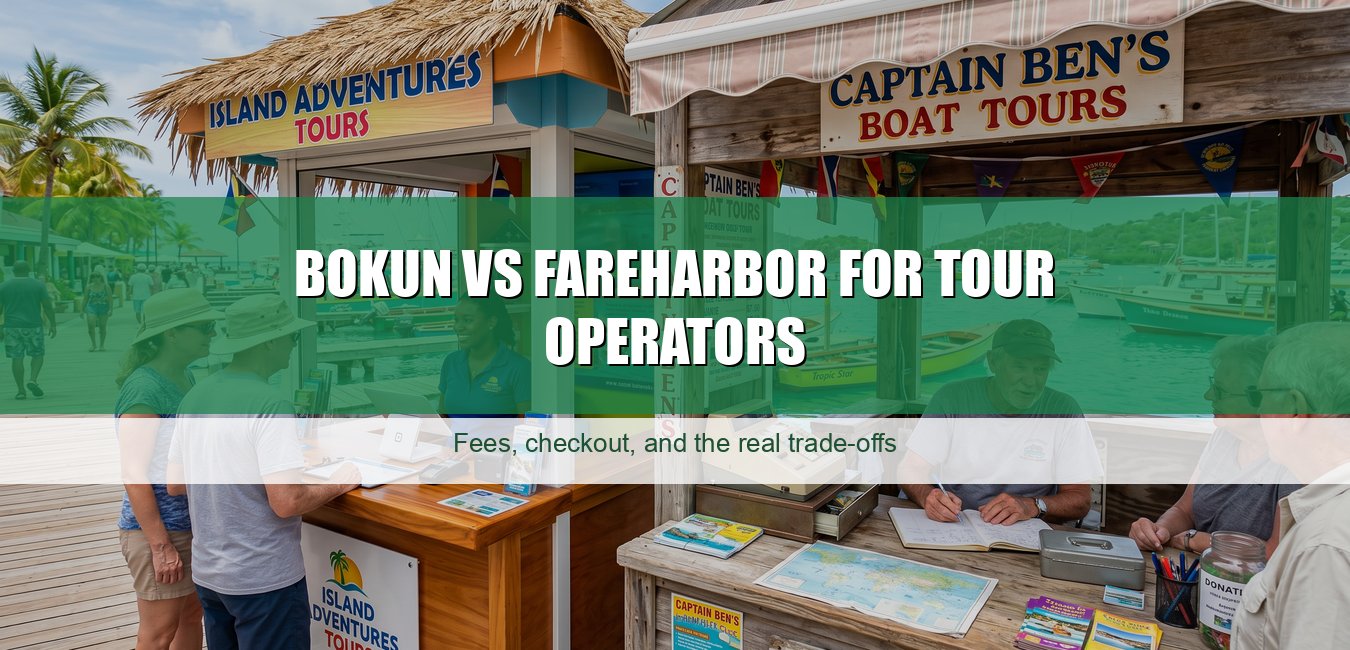
There is a woman in Marigot who runs one boat. Just one. A 30-foot day cruiser she and her husband bought five years ago. She does snorkel trips on the French side, a beach run to Pinel most days, and private charters on the weekends. She came to me last year because she was trying to decide between Bokun and FareHarbor and she was, I think, more anxious about this decision than she needed to be. She said: "Michael, I do not have a team. It is me and him. I cannot afford to pick wrong."
That is the version of this question most comparison articles do not answer. They write for a five-boat operation with an office manager. The one-boat owner-operator in Marigot has a different problem: not which platform has the most features, but which one will not punish you for being small.
FareHarbor's pitch is $0 monthly subscription. For a small shop running lean, that sounds perfect. But FareHarbor does not publish their per-booking fee. You have to get on a call with a salesperson to find out what percentage they will take on your bookings. For a big operator doing $30,000 a month in direct sales, that phone call is a minor inconvenience. For a one-boat operator in Marigot trying to price a $65 snorkel ticket, you are being asked to build your margins around a number you do not know yet.
Bokun puts their plans on a public page. $49 a month with a 1.5% online booking fee on START, $149 a month with 1.25% on PLUS, $499 a month with 1% on PREMIUM. Offline and in-person bookings do not carry a booking fee. You can do the math in the parking lot before you sign anything.
For a small operator, that transparency is not a small thing. It is the whole thing. You need to know your cost per booking before you set your price, not after.
When the woman from Marigot asked me what I meant by forgiving, I told her to think about her worst-case week. A Christmas Winds blowout that cancels three mornings in a row. A private charter that falls apart the day before because the guests rebooked their flights. A guest who disputes a charge because the confirmation email was confusing.
A forgiving system is one you can manage alone at 7pm when you are already tired from a full day on the water. Not a system that requires opening a help ticket and waiting 48 hours.
A few honest things about each:

Bokun is owned by Tripadvisor. That gives it a genuine edge on Viator connectivity - 0% Bokun booking fees on Viator reservations, easy product import, sync across GetYourGuide, Tiqets, Klook. For a large operation building a distribution strategy, that matters a lot.
For a one-boat shop in Marigot? I would ask a simpler question first. What percentage of your bookings are you actually getting through OTAs right now, versus direct website, WhatsApp, and hotel desk referrals? Most small Caribbean operators I know are heavier on the direct side than they realize. The hotel concierge calls. Guests find them on Instagram. Return guests come back. The OTA pipe is real but it is not the whole business.
If OTAs are 20% of your volume, you probably do not need to pick software primarily around OTA features. Pick around checkout and daily operations. If OTAs are 60%, the Bokun-Viator connection is genuinely worth the monthly fee on its own.
The features that matter for a solo or two-person operation are not the fancy ones. They are the ones that answer the phone when you are underwater. Literally.
Both platforms cover these. The question is which one you can figure out without a training call. For that, I would genuinely put time into the free trials. Build a real trip, fake-book yourself three times, then try to reschedule one and refund another. Do that before you migrate a single real booking.
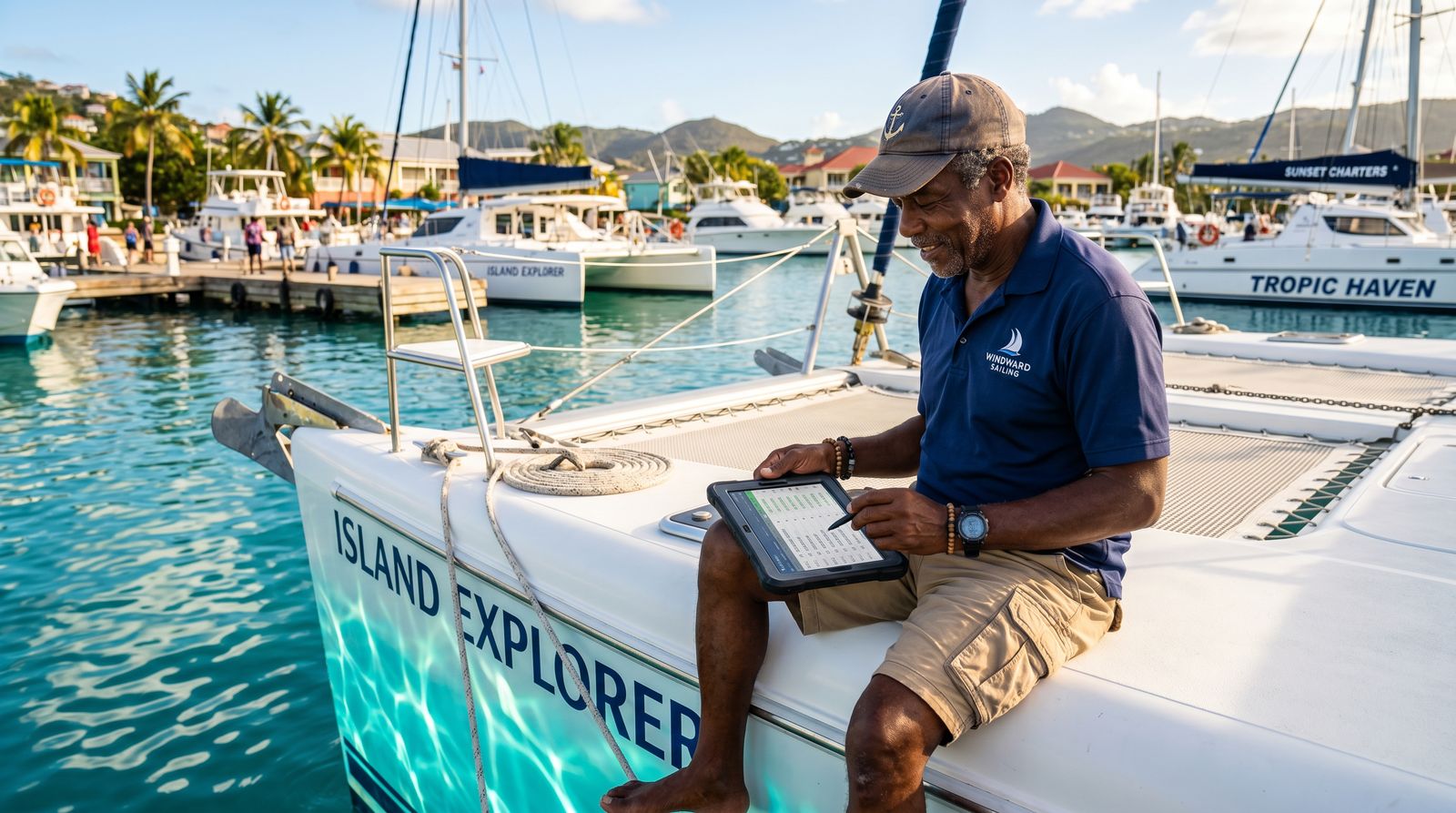
I told her she was right to be careful but wrong to be that anxious. Neither platform is a trap. Both can run her operation. The real risk is not picking the wrong one - it is picking one and then never fully setting it up because the onboarding was confusing, so she ends up half on the new system and half still texting guests her bank details to do a wire transfer.
My actual advice: if you do not want to think about a monthly line item, go explore FareHarbor - but demand the fee number before you commit, in writing, and run your math before you sign. If you want your costs on a page you can read today, Bokun is right there. At 15 trips a month, even the $49 START plan has a break-even point you can calculate in five minutes.
And if you are a Caribbean operator whose real issue is that neither Stripe nor PayPal will pay out to your local bank account on island - that is a separate problem, and it is the one we built our charter booking system around. The software question and the payments question are two different decisions. Conflating them gets operators into trouble.
Do not pick the platform with the most features. Pick the one you will actually use when it is 6am and you have a full boat leaving in two hours and something went sideways with a deposit overnight.
She went with Bokun, by the way. She liked seeing the number before the call. The $49 a month, she said, was the same as one parking ticket - and she got fewer parking tickets once she stopped running across Marigot to take payment in cash. If you want to see fees on a page the same way, ours are published the same way.


